In this Article

In 1994, the "Gang of Four" released Design Patterns, a seminal book that introduced 23 object-oriented design patterns. These patterns generally fall into three buckets: creational, structural, and behavioral.
While the book is 30 years old, the concepts remain relevant. In an industry where JavaScript frameworks go out of style rapidly, foundational architecture tends to stick around.
Here are eight design patterns that help solve common software problems.
1. The Factory Pattern
Category: Creational
The Factory pattern is about delegation. Imagine you want a burger. You do not want to source the ingredients, grind the meat, and bake the bun yourself. You just want to order the burger and have it handed to you.
We apply this same logic to code. If creating an object requires a complex list of ingredients (dependencies), we use a Factory to instantiate the object and return it to us. Whether you need a standard cheeseburger, a deluxe version, or a vegan option, you simply tell the Factory what type you want.

The Factory handles the instantiation logic, so the client code doesn't have to. However, this means you don't always know exactly how the object is constructed inside the "black box."
2. The Builder Pattern
Category: Creational
If you need more control over how an object is constructed, the Builder pattern is a better choice. This is useful when you don't want to pass in every single parameter at once or when an object has many optional configurations.
Using the burger analogy, imagine a custom order kiosk. You have an individual method for adding each ingredient.
addBun()addPatty()addCheese()
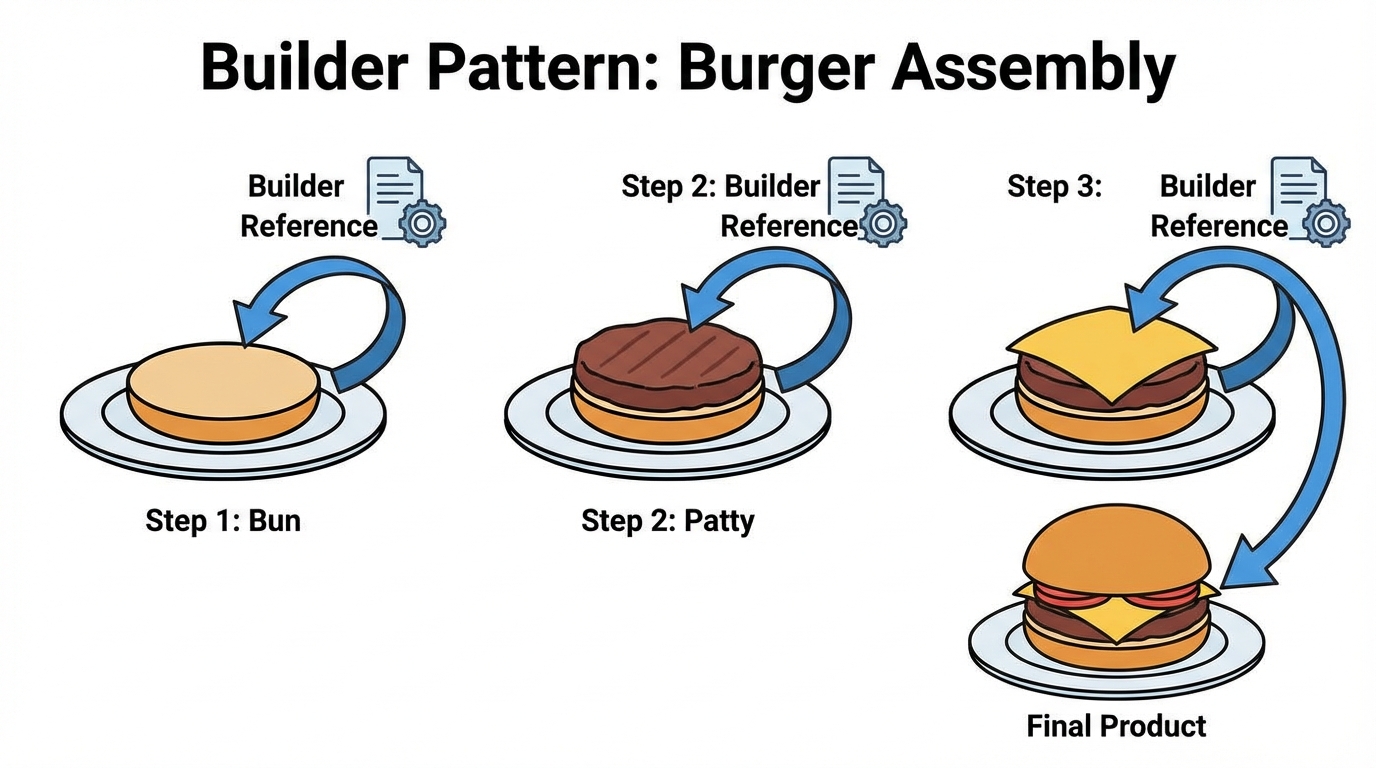
Each method adds a specific part and returns a reference to the Builder itself, allowing you to chain methods together. Finally, a build() method returns the finished product. This is frequently used in systems like Protocol Buffers at Google to construct complex messages cleanly.
3. The Singleton Pattern
Category: Creational
A Singleton is a class that allows only a single instance of itself to exist. This is particularly useful for maintaining a single copy of an application's state, such as tracking if a user is logged in.
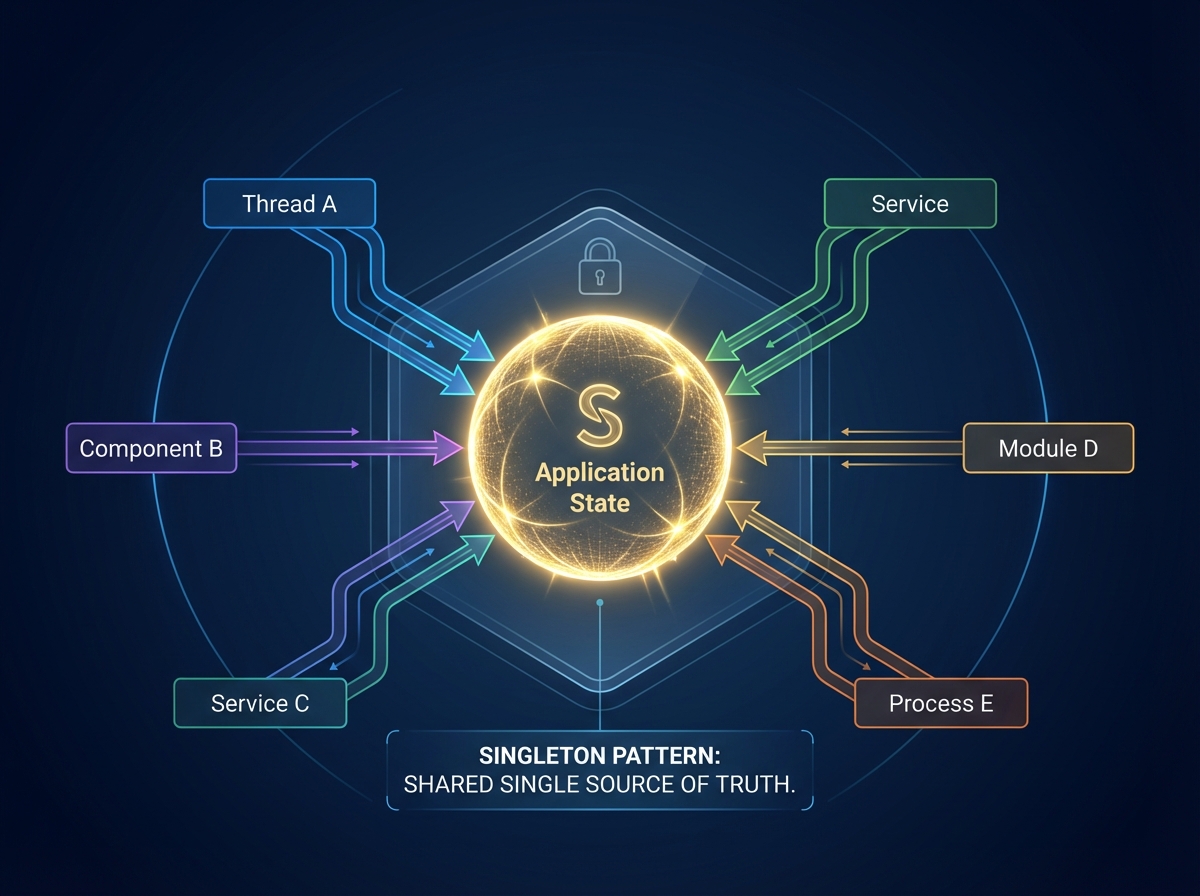
To implement this, you generally use a static instance variable and a static method often called getAppState. This method acts as a gatekeeper:
- It checks if an instance already exists.
- If it doesn't, it instantiates one.
- If it does, it returns the existing instance.
This ensures that multiple components in your app refer to the exact same source of truth. If one component updates the state, the change is reflected everywhere.
4. The Observer Pattern (Pub/Sub)
Category: Behavioral

5. The Iterator Pattern
Category: Behavioral
The Iterator pattern defines how to traverse the values in an object. Simple arrays often have built-in iterators (like using the in keyword in Python), but complex data structures like binary search trees or linked lists require custom logic.
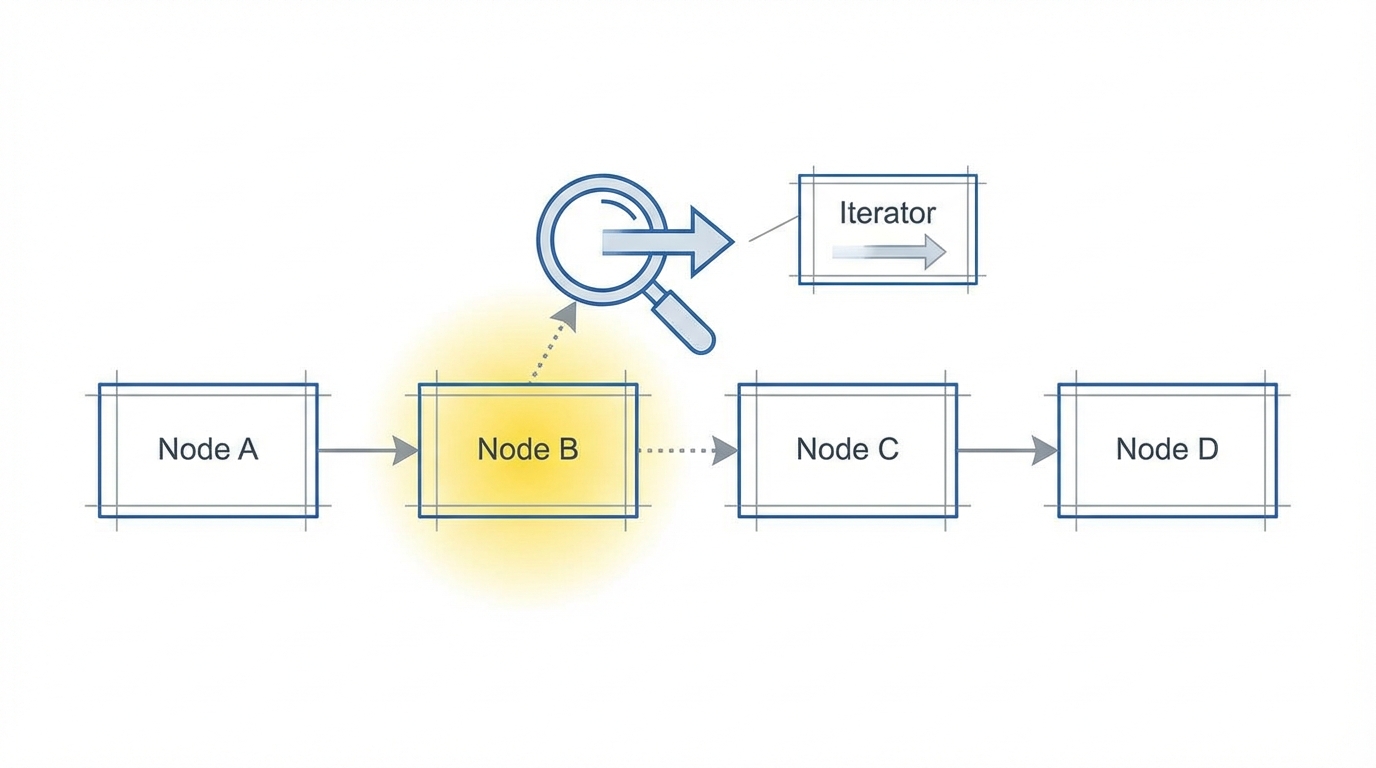
For a linked list, you might define an iterator with a pointer to the current node.
- Init: Sets the current pointer to the head of the list.
- Next: Returns the current value and shifts the pointer to the next node.
- Stop: Sends a signal when the end of the list is reached.
This provides a uniform interface for traversing different types of collections without the user needing to manage pointers manually.
6. The Strategy Pattern
Category: Behavioral
The Strategy pattern allows you to modify or extend the behavior of a class without changing its code directly. This helps adhere to the Open/Closed principle.
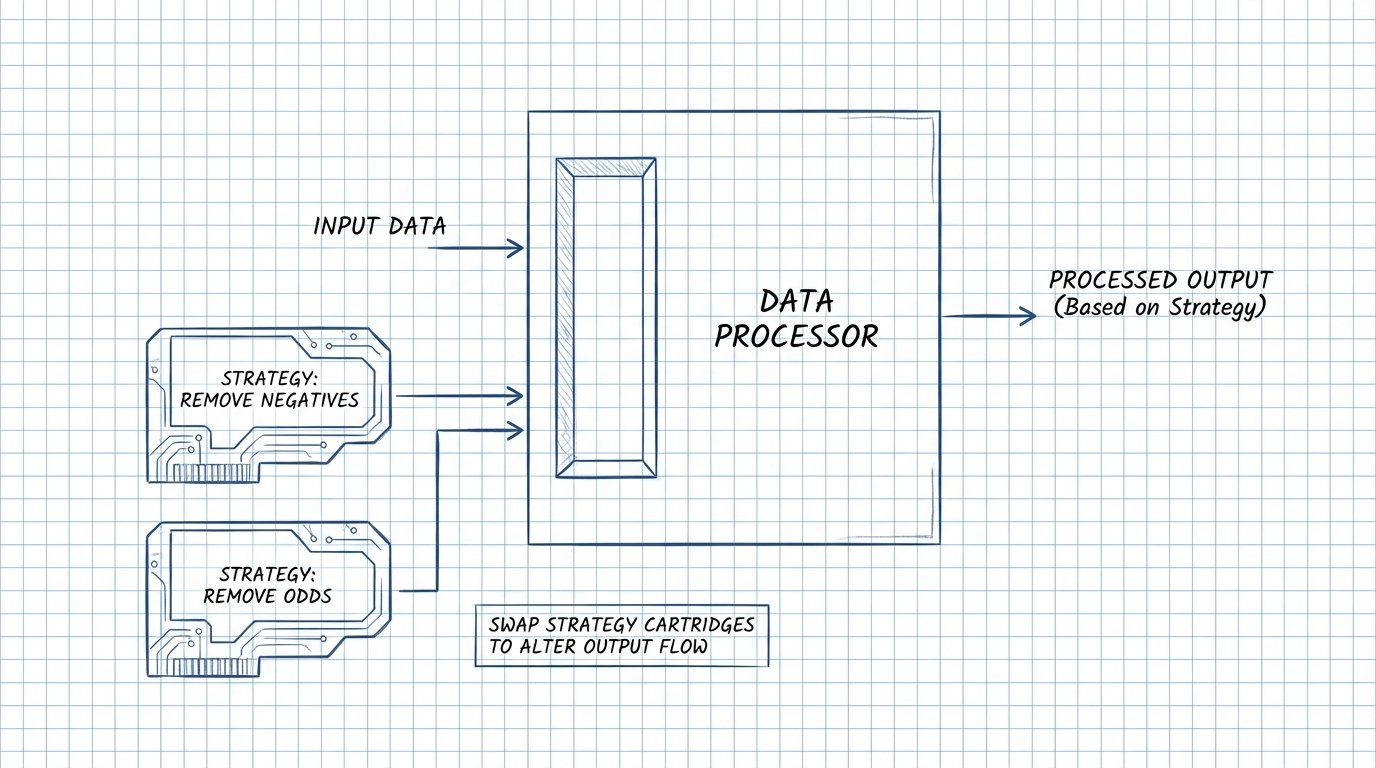
Suppose you have a method that filters an array. You might want to filter out negative values, or perhaps filter out odd values. Instead of writing multiple methods or complex if/else logic inside the class, you define a "Strategy" interface.
You create separate implementations for each filtering logic (strategies). At runtime, you pass the specific strategy you want into the filter method. This allows you to add new filtering strategies in the future without touching the original class code.
7. The Adapter Pattern
Category: Structural
This pattern works exactly like real-world hardware adapters. If you have a screw that is too small for a hole, or a Micro-USB cable that needs to fit into a standard USB port, you need an adapter.

In code, this bridges the gap between incompatible interfaces. If you have a legacy class that doesn't fit the interface your system expects, you create an Adapter class. This adapter extends the target interface but is composed of the incompatible class (the "Micro-USB cable"). It translates calls from the standard interface to the specific methods of the wrapped class.
8. The Facade Pattern
Category: Structural
A facade is an outward appearance used to conceal a less pleasant reality. in programming, the "less pleasant reality" is complex, low-level code that we want to hide.
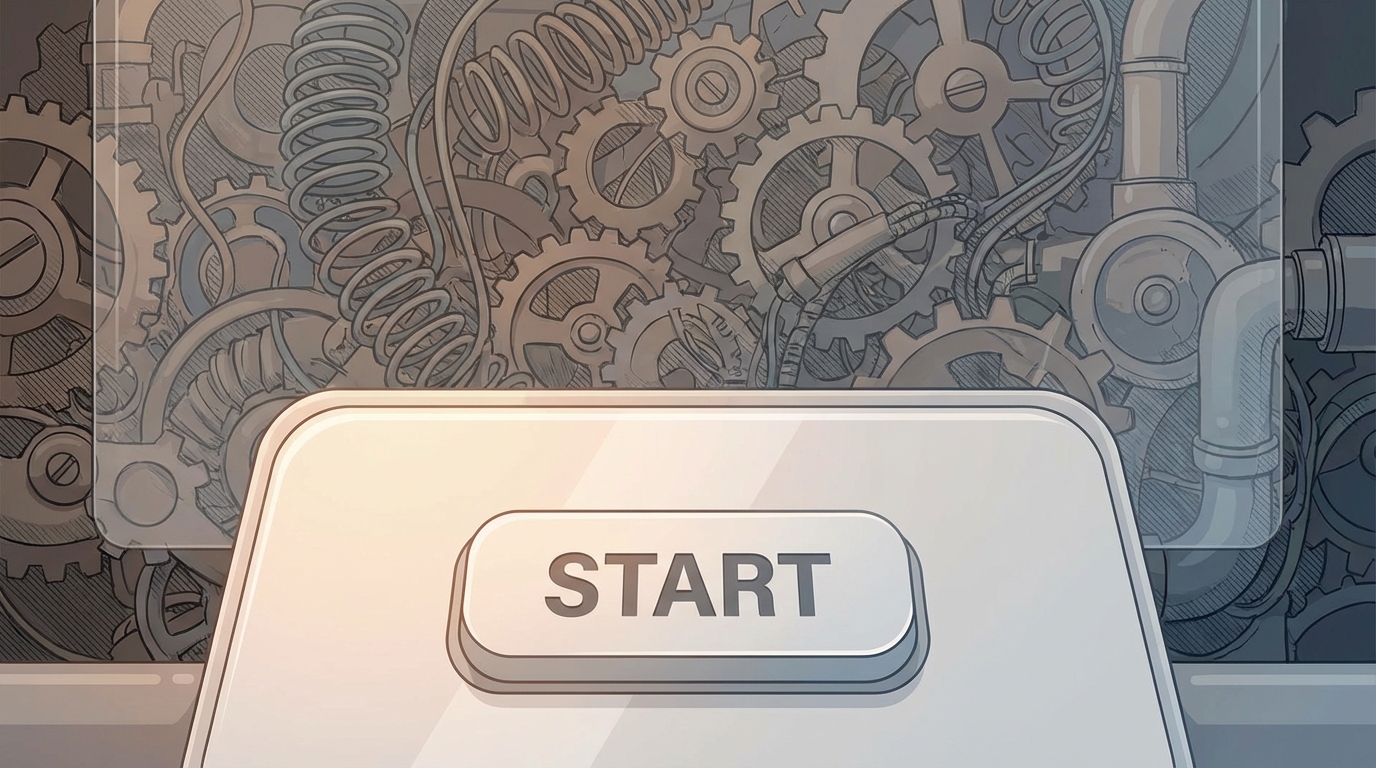
A Facade is a wrapper class that abstracts away these details. Common examples include:
- HTTP Clients: You make a simple
getrequest, while the client handles the TCP/IP handshake, headers, and packet reassembly behind the scenes. - Dynamic Arrays: Vectors in C++ or ArrayLists in Java automatically resize memory allocation under the hood so you don't have to manage it manually.
The goal is to provide a clean, simple interface for programmers to interact with, keeping the complexity hidden.